From Brief to Video: Inside Dobidy's AI Workflow
A behind-the-scenes look at how Dobidy turns a short brief and product photos into a polished 10-second video ad.
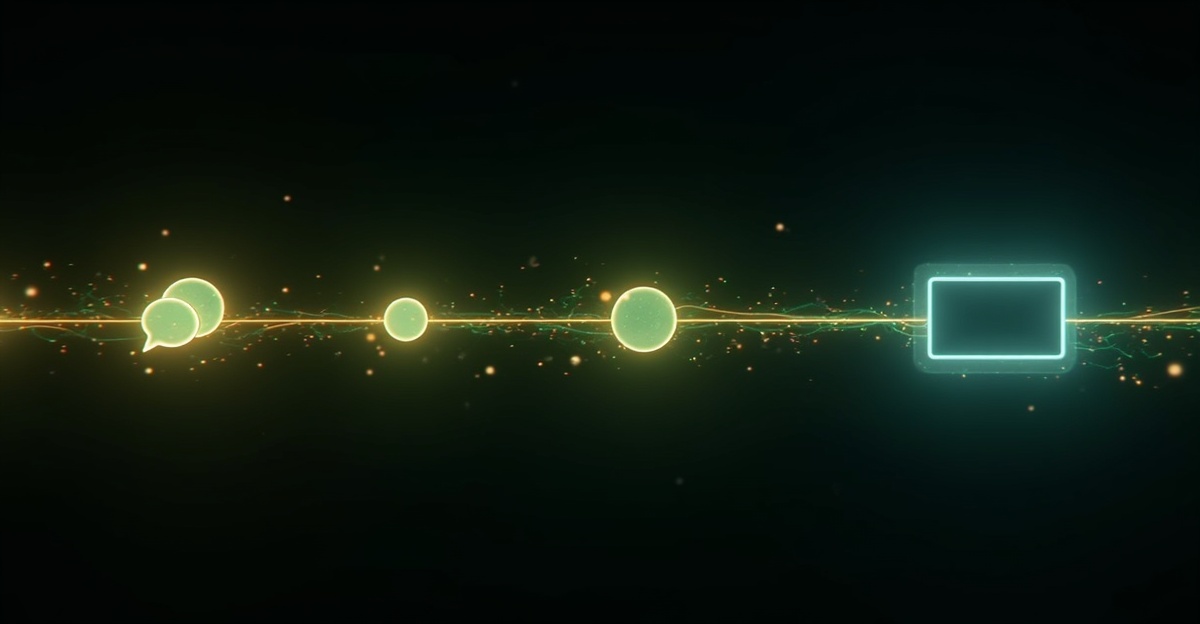
Most video ad tools start with a blank form full of unfamiliar fields. Dobidy starts with a focused brief. Here's how a short brief and a few product photos become finished 10-second video ads — step by step, using Dobidy's Omni Tool. (Walk through the full flow or try the free video ad maker without a credit card.)
Step 1: The Brief
When you start a new project, you fill out the Creative Brief — nine targeted fields that capture the data driving effective video ads: product name, product description, target audience, key selling points, tone, platform, call-to-action, brand colors, and specific requirements. The form takes about two minutes. If you've already set up a brand profile with your product details, the relevant fields are pre-filled.
You also upload product photos at this stage: up to three product angles plus a logo. These images aren't decorative — they become reference inputs that the AI uses to render your actual product in the final video. (Product photography tips for video ads covers what makes a strong reference.)
Step 2: Three Scenarios, One Pick
With the brief locked in, Dobidy's AI generates three distinct ad concepts for your product. Each scenario is a complete creative direction:
- Concept overview — the strategic angle (humor, aspiration, problem-solution, social proof)
- Hook — the first-second visual or line that stops the scroll
- Scene description — what the viewer sees
- On-screen text — the words overlaid on the video
- Spoken line — a voiceover line (25-30 words, timed for 10 seconds)
- Call-to-action — what you want the viewer to do next
These aren't vague taglines. They're fully realized ad concepts. One might lead with humor, another with a bold product claim, a third with aspirational lifestyle imagery. Same product, three angles — you pick the one that fits your brand. (Writing ad copy that converts covers the angles that perform best.)
When you continue, Dobidy transforms each scenario into a complete production direction — timestamped scenes with camera movements, lighting, and placement of your product images at specific moments. The AI knows exactly when and where to feature your product in each second of the video.
Step 3: Generation and Output
Choose your aspect ratio — 9:16 vertical for TikTok and Instagram Reels, 16:9 landscape for YouTube, 1:1 square for feed posts — and hit generate.
Dobidy renders all three videos in parallel using your product images as visual references. Your photos are passed as structured inputs, not pasted onto frames. The AI understands the shape, color, and proportions of your product and integrates it into each generated scene naturally. (AI video generation explained covers what's happening under the hood.)
Generation takes a few minutes. You can close the tab — Dobidy tracks all three jobs and picks up where you left off when you return.
The output is three 10-second video ads — one per scenario — each featuring your real product in a directed scene with intentional camera movement, lighting, and composition. No stock footage. No templates. No timeline editing. Three different creative angles to test, from a single session.
What This Replaces
To put the workflow in context: producing a comparable 10-second product video ad traditionally involves writing a brief, hiring a videographer or motion designer, scheduling a shoot or sourcing stock footage, editing, revisions, and export. That process typically costs $500-2,000 and takes 3-5 business days.
With Dobidy's Omni Tool, the active work is under 10 minutes — a two-minute brief, a photo upload, a quick review of three scenarios, and a button press. Dobidy handles scriptwriting, shot planning, camera direction, and video rendering — producing three finished ads in one go.
The creative strategy is still yours. You decide the audience, the platform, the tone, and which ads to run. Dobidy handles the production craft that used to require a team.
Pricing
The Omni Tool charges 10 credits per second per video — 300 credits for a standard batch of three 10-second ads, or 450 credits at the 15-second option. Paid plans start at Basic ($39/month, 1,800 credits) and Pro ($99/month, 5,400 credits). Free accounts get one watermarked 10-second video ad rendered (the AI writes 3 scripts and produces the strongest as a video); the signup bonus covers it. (How Dobidy credits work breaks down the math.)

Dobidy Team
AI-powered video advertising platform
Ready to create your first video ad?
Upload your product photos and get a polished 10-second video ad. Plans from $39/mo.
Get Started