How to Add Ambient Sound to Any Video with AI
Step-by-step guide to adding AI-generated ambient sound to your videos. Free, no editing skills required. Works with any video under 25 seconds.
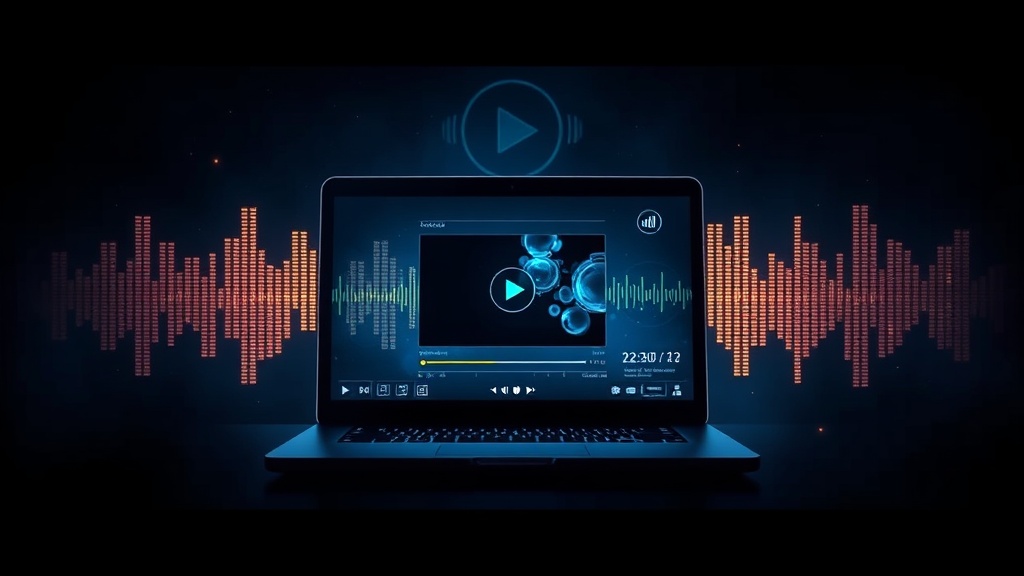
Silent videos get scrolled past. Ambient sound -- footsteps, room tone, outdoor atmosphere -- makes viewers feel present. Here's how to add it to any video in under 3 minutes, for free.
What Is Ambient Sound?
Ambient sound is the environmental audio that makes a scene feel real. It's not music -- it's the background noise that tells your brain where you are.
Examples:
- Outdoors: Bird chirps, wind through trees, distant traffic
- Urban: City hum, pedestrian chatter, rain on pavement
- Indoor: Coffee shop buzz, kitchen sounds, the soft reverb of an empty room
- Nature: Creek water, rustling leaves, crickets at dusk
When ambient sound is present, viewers stop consciously watching a video and start experiencing it. That's the difference between footage and a scene.
Why Your Videos Need Ambient Sound
Audio is the element most creators overlook -- and the one that has the biggest impact on how professional your content feels.
Videos with audio consistently outperform silent ones. Higher completion rates. More shares. More saves. Platforms that reward watch time (which is all of them) treat audio-enhanced videos as higher-quality signals worth amplifying.
This isn't about music -- ambient sound works even when viewers have their volume low. Room tone and environmental audio register subconsciously. Viewers may not notice it's there, but they notice when it's gone.
Read more about the science behind this in why ambient sound boosts engagement.
How to Add Ambient Sound with Dobidy
Dobidy's AI analyzes your video's visual content and generates matching ambient audio automatically. No sound library browsing, no layering, no mixing. Here's how it works.
Step 1: Upload Your Video
Drag and drop your video file or use the file picker. Supported formats: MP4, WebM, or MOV. Maximum length: 25 seconds. Maximum file size: 100MB.
The shorter and more visually distinct your clip, the better the AI can read the environment and generate matching audio.
Step 2: Let AI Generate the Audio
Once uploaded, Dobidy's AI analyzes the visual content -- it reads the scene, detects the environment (indoor vs outdoor, busy vs quiet, natural vs urban), and generates ambient audio that fits.
This takes 1 to 3 minutes. The AI isn't pulling from a library -- it's generating audio that matches your specific video.
Step 3: Download and Share
When generation is complete, download your video as an MP4 with the ambient audio baked in. Ready for Instagram, TikTok, YouTube, your website -- any platform, no additional editing required.
What Types of Videos Work Best
Some content categories see especially strong results with AI-generated ambient sound:
- Real estate tours -- Empty rooms feel cold and flat. Subtle room tone and gentle ambient sound make the space feel inhabited and warm.
- Restaurant walkthroughs -- The sound of a lively room is what dining feels like. A walkthrough video with ambient buzz transforms a photo slideshow into an experience.
- Outdoor scenes -- Nature footage, street scenes, and outdoor product shots come alive with environmental audio.
- Product demos -- A kitchen appliance demo feels more authentic with kitchen ambient sound. A fitness product demo feels more energetic with gym ambience.
- Social media clips -- Short-form content benefits from sensory richness. Ambient sound is one quick layer that separates professional content from casual uploads.
Tips for Better Results
The AI reads your visuals to generate audio. A few adjustments improve what it produces:
- Use clear, distinct environments. A video that's clearly "outdoor morning park" produces better audio than one with ambiguous or mixed settings.
- Good lighting helps. Well-lit scenes give the AI more visual information to work with.
- Keep it under 25 seconds. The tool is optimized for short clips -- the kind that perform best on social media anyway.
- Avoid heavy camera shake. Stable footage is easier for the AI to analyze and interpret.
- One environment per clip works better than rapid cuts between very different settings.
Getting Started
Try Dobidy's free ambient sound tool -- no account required for your first generation. Upload any short video and hear what AI-generated ambient audio sounds like on your content.
If you're interested in the broader creative applications, check out our AI sound design tool for a full picture of what AI audio generation can do.
Want to understand why this matters for your platform performance? Read how AI is changing sound design for video creators.

Dobidy Team
AI-powered video advertising platform
Ready to create your first video ad?
Upload your product photos and get a polished 10-second video ad. Just $9.
Get Started